Friday, October 23, 2026

How to Go Live on Twitch with RTMP Using GoLiveIndia
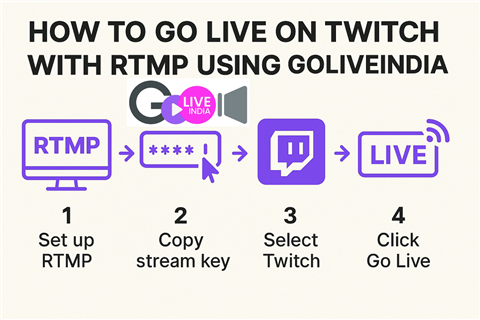
How to Go Live on Twitch with RTMP Using GoLiveIndia
Twitch is one of the world’s leading platforms for live streaming, especially popular among gamers, creators, and broadcasters. If you want to stream to Twitch using your mobile device or a simplified setup, GoLiveIndia makes it fast and effortless through RTMP.
Whether you're hosting a live gaming session, a music performance, or a live Q ;A, this guide will walk you through how to go live on Twitch using RTMP through the GoLiveIndia app.
What is RTMP?
RTMP (Real-Time Messaging Protocol) is a standard streaming method that allows apps like GoLiveIndia to broadcast directly to platforms such as Twitch, YouTube, and Facebook by using a stream key and RTMP URL.
With RTMP support in GoLiveIndia, you can stream professionally to Twitch using just your phone—no need for expensive hardware or complicated desktop setups.
Step-by-Step: How to Live Stream on Twitch via RTMP with GoLiveIndia
Step 1: Create or Log In to Your Twitch Account
If you don’t already have a Twitch account, visit twitch.tv and sign up.
Once you're signed in, go to your Creator Dashboard.
On desktop: Click your profile picture > Creator Dashboard
On mobile browser: Open twitch.tv in a browser, then request Desktop Site Mode from your browser menu.
How to Go Live on Facebook Using RTMP with GoLiveIndia
Step 2: Get Your RTMP Stream Key and URL
Inside the Twitch Creator Dashboard:
Go to Settings > Stream
Copy the Primary Stream Key
Twitch’s RTMP URL (default):
rtmp://live.twitch.tv/app/
Note: Keep your stream key private. Anyone with access can stream on your channel.
Step 3: Open GoLiveIndia App or Website
If you haven’t already, download the GoLiveIndia app from:
Login or create an account to get started.
Step 4: Select “Go Live with RTMP”
From your GoLiveIndia dashboard:
Tap “Go Live with RTMP”
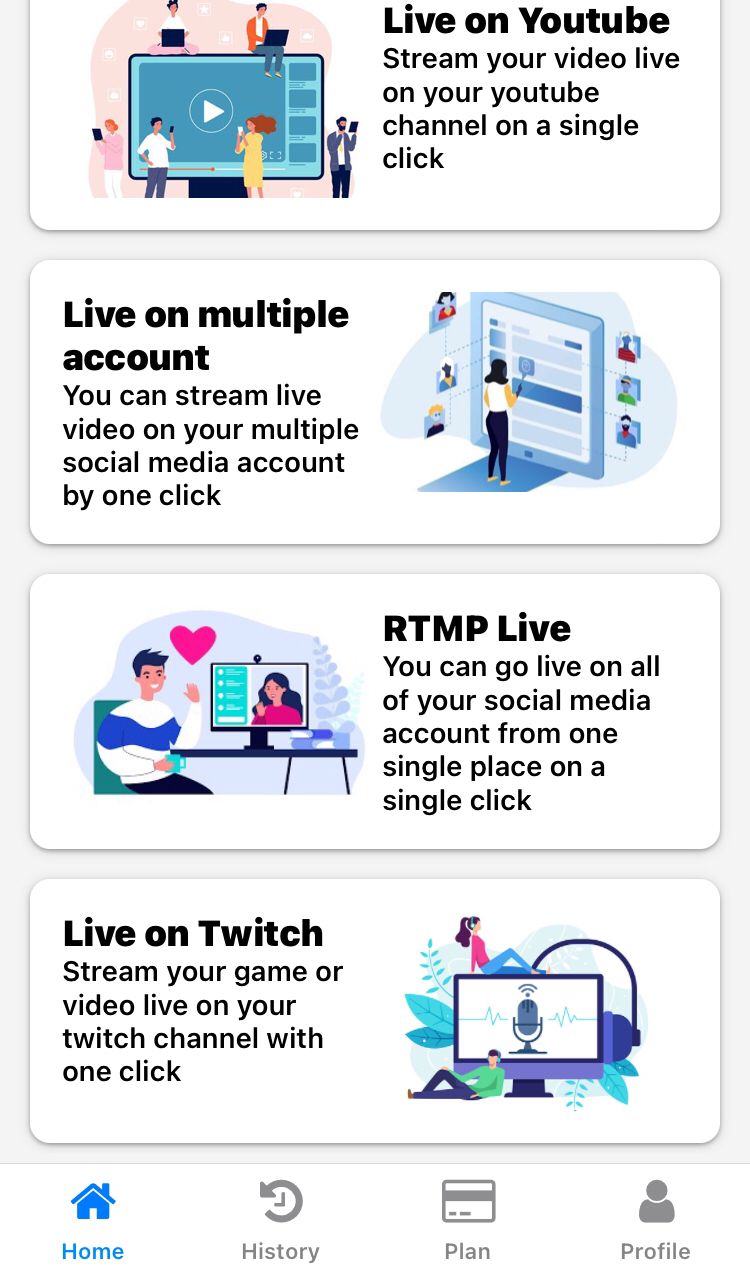
Enter the RTMP URL: rtmp://sfo.contribute.live-video.net/app/
Paste your Stream Key copied from Twitch
Give your live stream a title and description
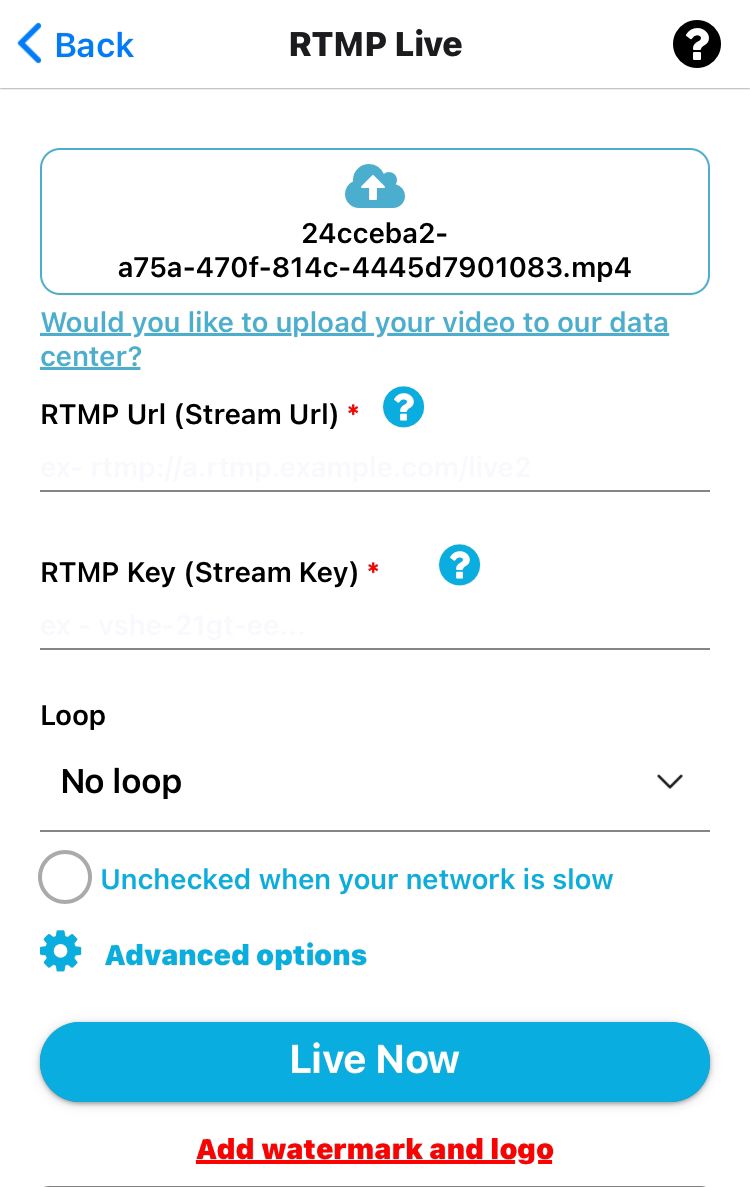
You can also set privacy and video quality options before starting your stream.
Step 5: Start Streaming
Once all the details are filled in, tap Start Live.
Your mobile device is now broadcasting live to Twitch!
How to Go Live on LinkedIn with RTMP—A Practical Guide Using GoLiveIndia
Tips for a Better Twitch Live Experience
Use a stable internet connection (preferably Wi-Fi) for better quality.
Always test your stream privately before going public.
Monitor your Twitch stream from another device to ensure it’s working smoothly.
Avoid switching apps during the stream, as it may interrupt the RTMP session.
Frequently Asked Questions (FAQ)
Can I use GoLiveIndia to stream to Twitch from a mobile phone?
Yes. GoLiveIndia’s RTMP feature lets you stream to Twitch directly from your phone without needing OBS or a PC.
Is it free to stream to Twitch using GoLiveIndia?
Yes. You can start streaming on Twitch using GoLiveIndia for free. Premium plans offer additional features, but basic RTMP streaming is included.
Where do I find my Twitch stream key?
Login to Twitch, go to Creator Dashboard > Settings > Stream. Your stream key is listed there.
Will I need to re-enter the RTMP key each time?
Yes, for security and privacy, Twitch recommends keeping your stream key private and updating it if it gets exposed.
Does GoLiveIndia support chat or viewer count from Twitch?
Currently, GoLiveIndia focuses on broadcasting. For viewer interactions, you can monitor chat using the Twitch app or a second device.
Need more help? Visit www.goliveindia.in or reach out to our support team directly from the app.