Friday, October 23, 2026

How to Go Live on Any YouTube Channel with GoLiveIndia

How to Go Live on YouTube with GoLiveIndia:-
Go live on any of your YouTube channels in just a few clicks.
Whether you want to stream a pre-recorded video, use a video link, or go live in real time—GoLiveIndia makes the process quick and effortless.

How to Go Live on YouTube with GoLiveIndia
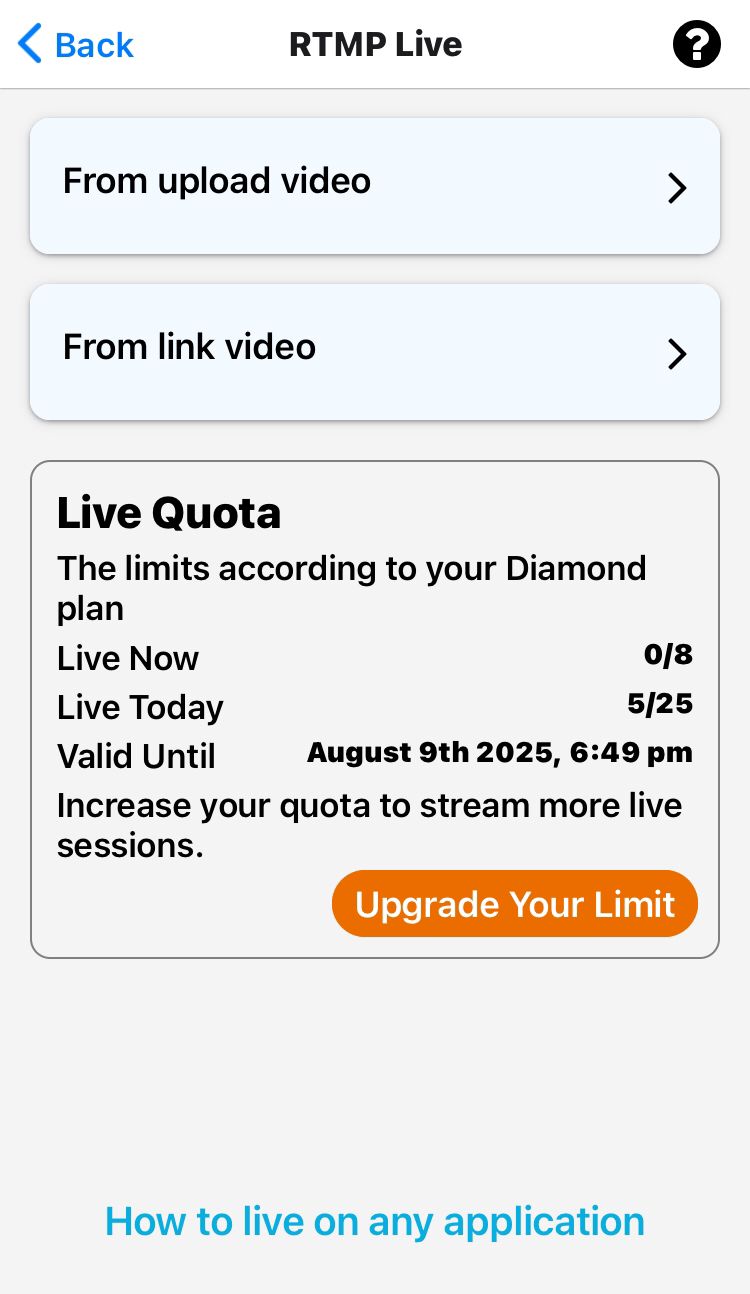
Step 1: Choose Your Streaming Method
You can stream to YouTube using any of the following options:
Upload a video directly from your device
Paste a video link (URL)
Stream live from your camera in real time
Step 2: Add Video Details
Title: Enter a title for your livestream
Description: Add a short description for your viewers
Step 3: Select YouTube as Your Destination
Choose your YouTube channel from the list of platforms where you want to go live.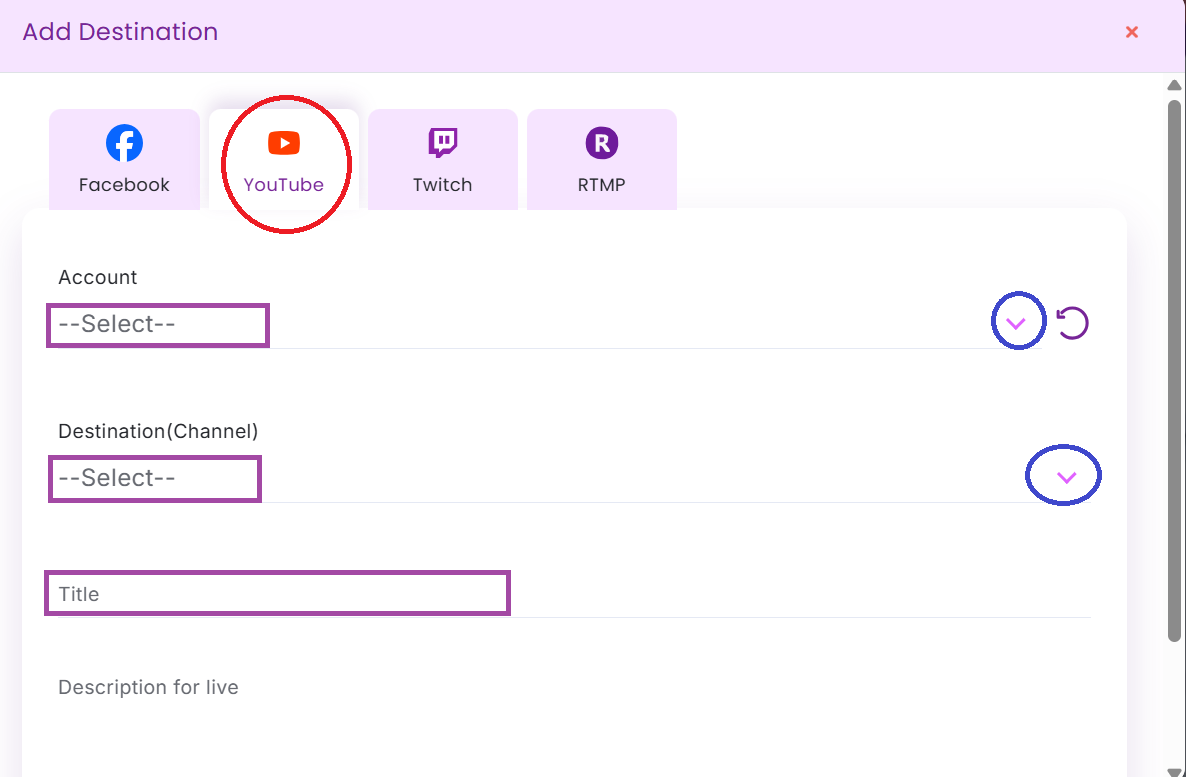
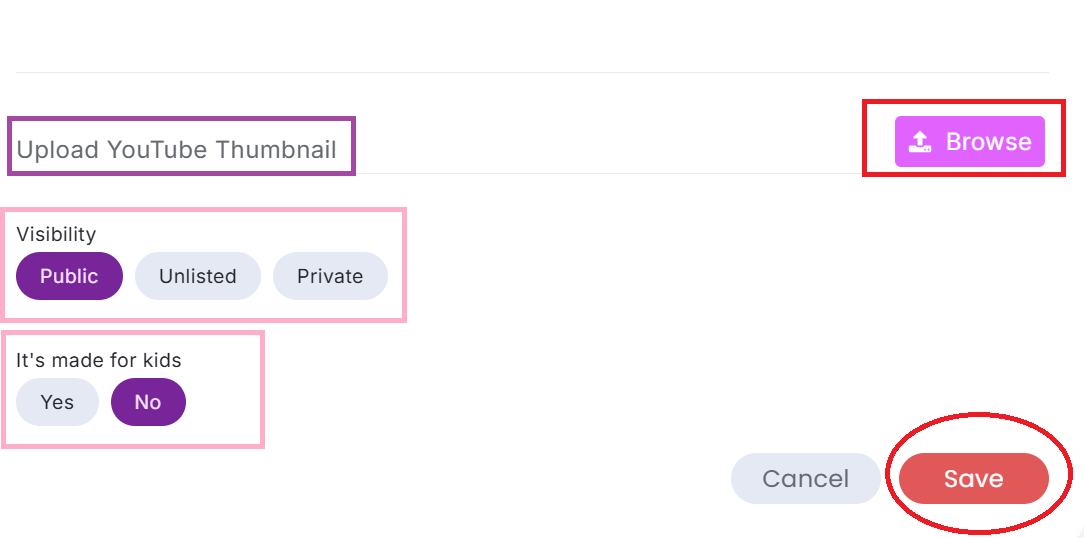
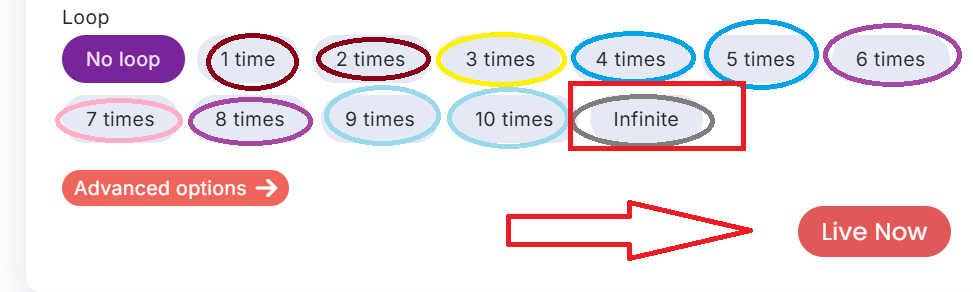
Step 4: Set the Video Loop (Optional)
If you're streaming a recorded video, you can choose how many times it should repeat during the live stream.
Step 5: Click on “Go Live”
Once everything is ready, just click the Go Live button to start your stream.
Step 6: You’re Live!
That’s it—your video is now live on YouTube through GoLiveIndia.
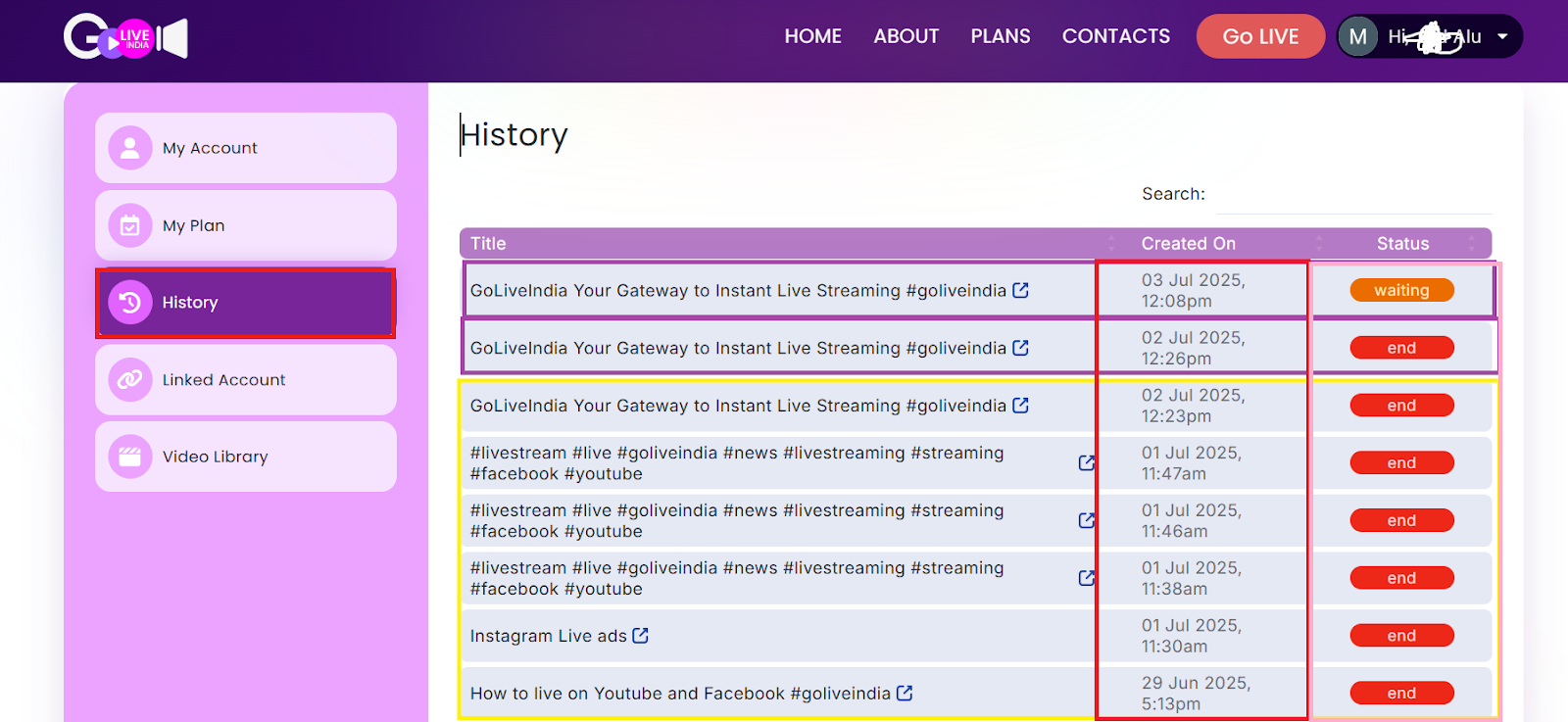
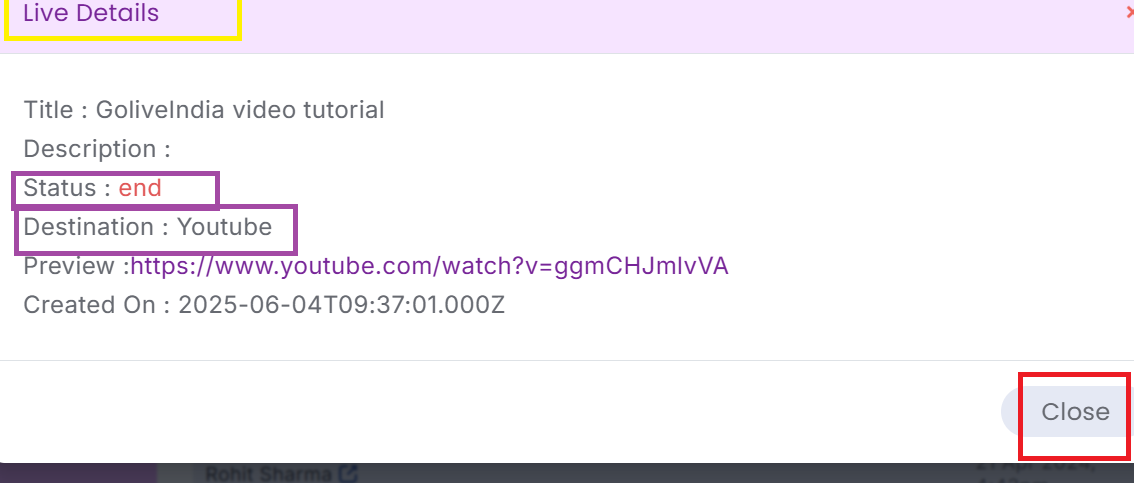
Need Help? Watch the Tutorial
Check out our step-by-step video guide:
How to Go Live on YouTube with GoLiveIndia