Friday, October 23, 2026

How to Live Stream on Rumble Using GoLiveIndia
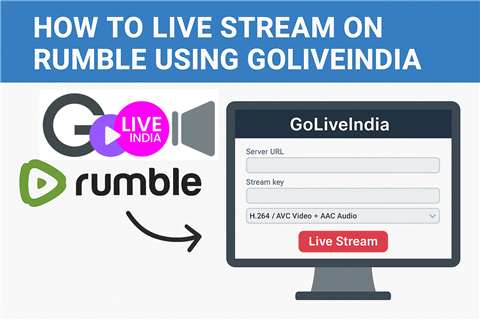
How to Live Stream on Rumble Using GoLiveIndia
Rumble has emerged as a powerful video platform that supports freedom of speech, alternative content, and monetization opportunities for creators. Whether you’re a news commentator, podcast host, fitness coach, or independent vlogger, Rumble offers a great way to reach and grow your audience.
With the GoLiveIndia app, going live on Rumble becomes easy—even if you're not tech-savvy. You don’t need a PC, streaming software, or OBS. All you need is your phone and the GoLiveIndia app to start streaming directly to Rumble using RTMP.
In this blog, we'll walk you through the step-by-step process to stream on Rumble using GoLiveIndia.
Why Stream on Rumble with GoLiveIndia?
GoLiveIndia is designed to simplify live broadcasting by eliminating the need for technical setup. It’s ideal for creators who want to stream professionally with minimal hassle.
Here’s what makes GoLiveIndia perfect for Rumble:
Stream directly from your phone—no desktop required
Broadcast pre-recorded videos or go live in real time
Use RTMP to connect with Rumble easily
Stream in high definition with flexible resolution options
Loop your content as many times as you want
GoLiveIndia gives you the control and mobility to go live from anywhere, at any time.
Step-by-Step Guide: How to Go Live on Rumble Using GoLiveIndia
Step 1: Create a Rumble Account
If you haven’t already:
Visit www.rumble.com
Sign up as a creator and complete your profile
How to Create an Account with Email on GoLiveIndia
To go live, you must apply for and receive live streaming access from Rumble (it’s available for verified users and select channels).
Step 2: Get Your Rumble RTMP URL and Stream Key
Once you’re approved for live streaming:
Go to the Rumble Creator Dashboard
Click Live Stream
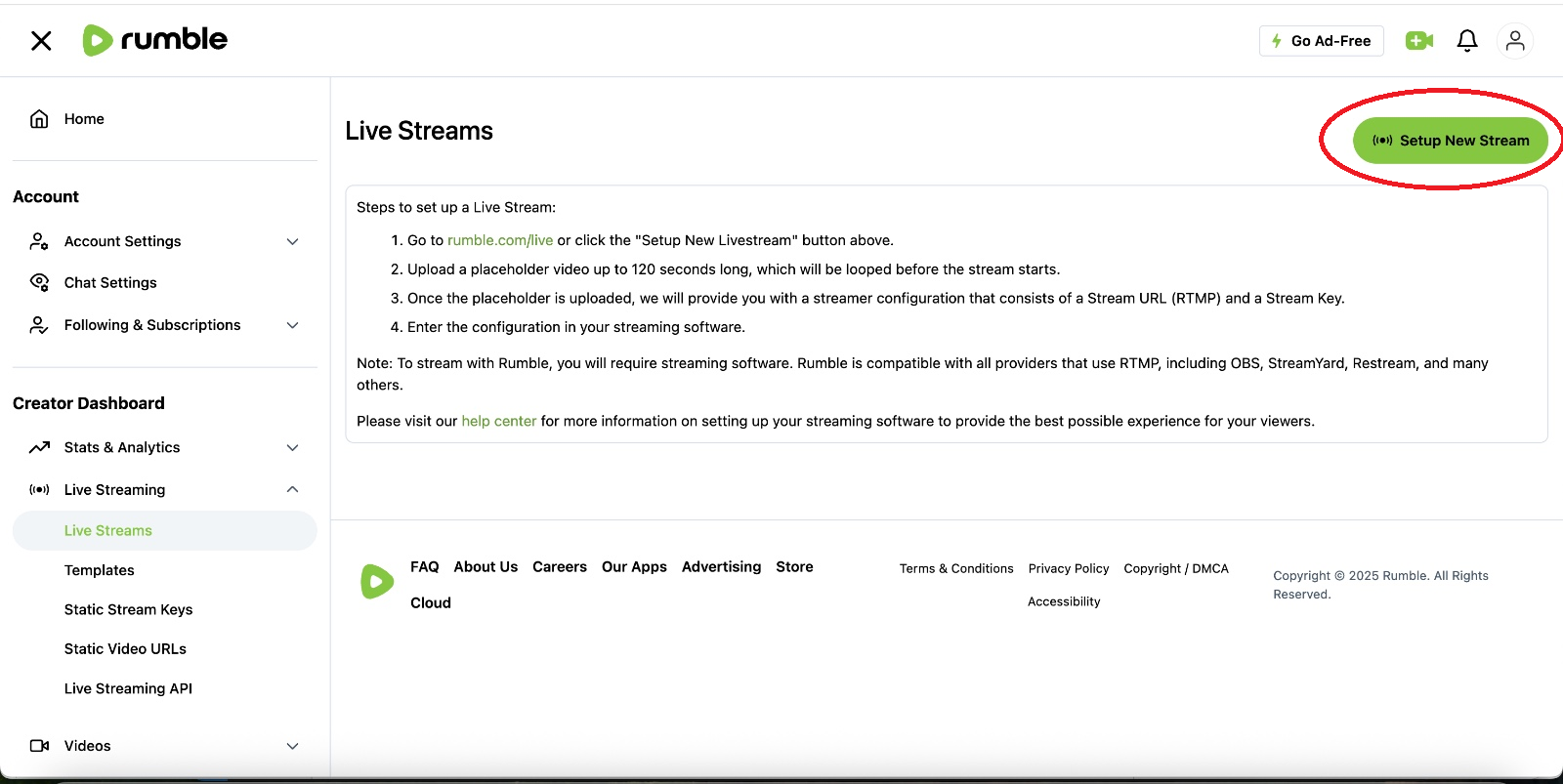
Enter your stream title and description
Select a thumbnail and category
Click Create Stream
You'll now see your Stream URL (RTMP) and Stream Key
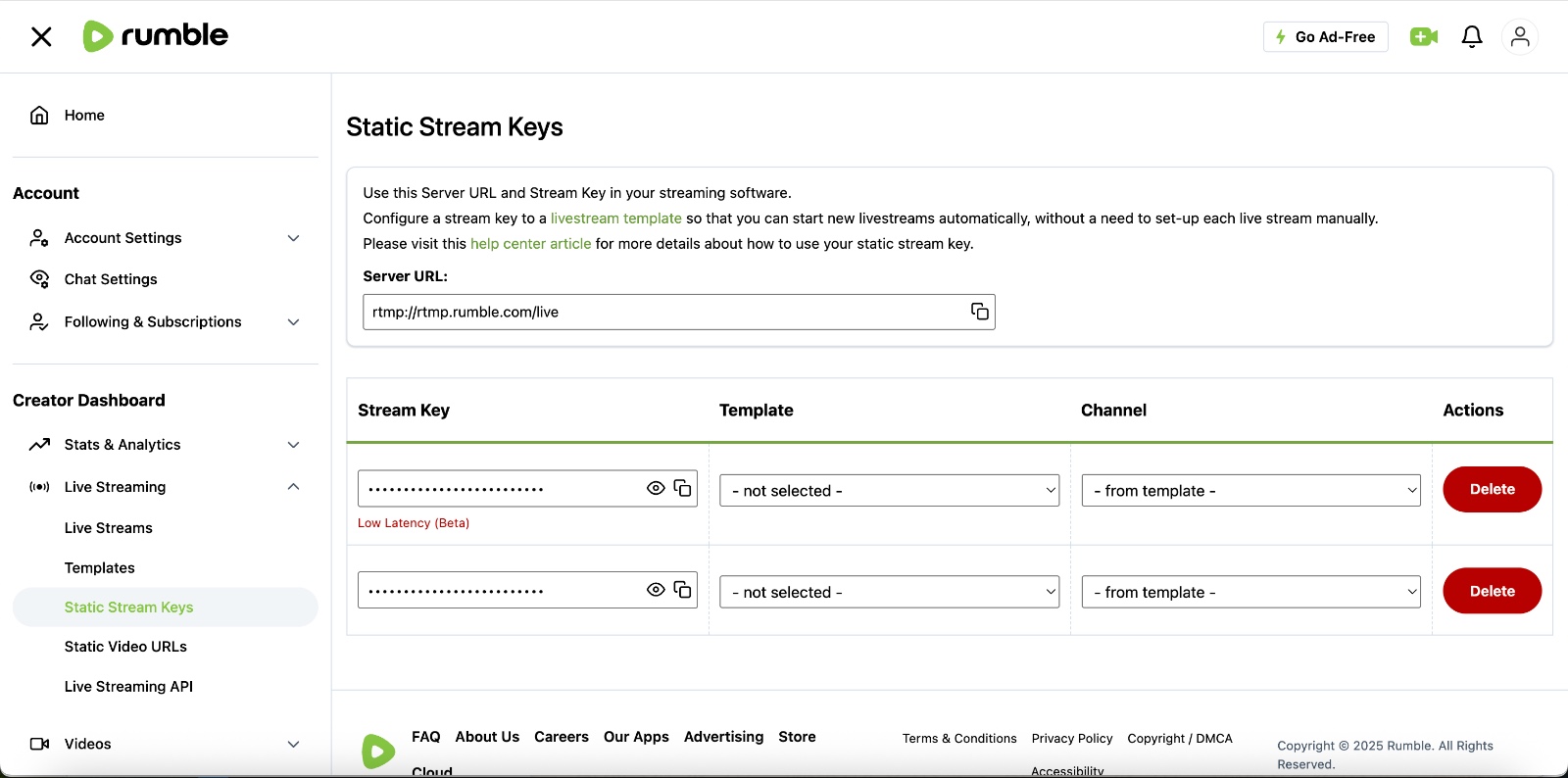
Leave this page open—you’ll need to paste these into GoLiveIndia.
How to Go Live on Twitter (X) with GoLiveIndia
Step 3: Install and Log in to the GoLiveIndia App
Download and install the GoLiveIndia app:
Android: Available on Google Play Store
iOS: Available on the App Store
Or visit www.goliveindia.in
Sign in using your preferred method: email, Google, Facebook, or Apple.
Step 4: Start a Custom RTMP Stream to Rumble
Now it's time to go live:
Open GoLiveIndia
Tap Create Live
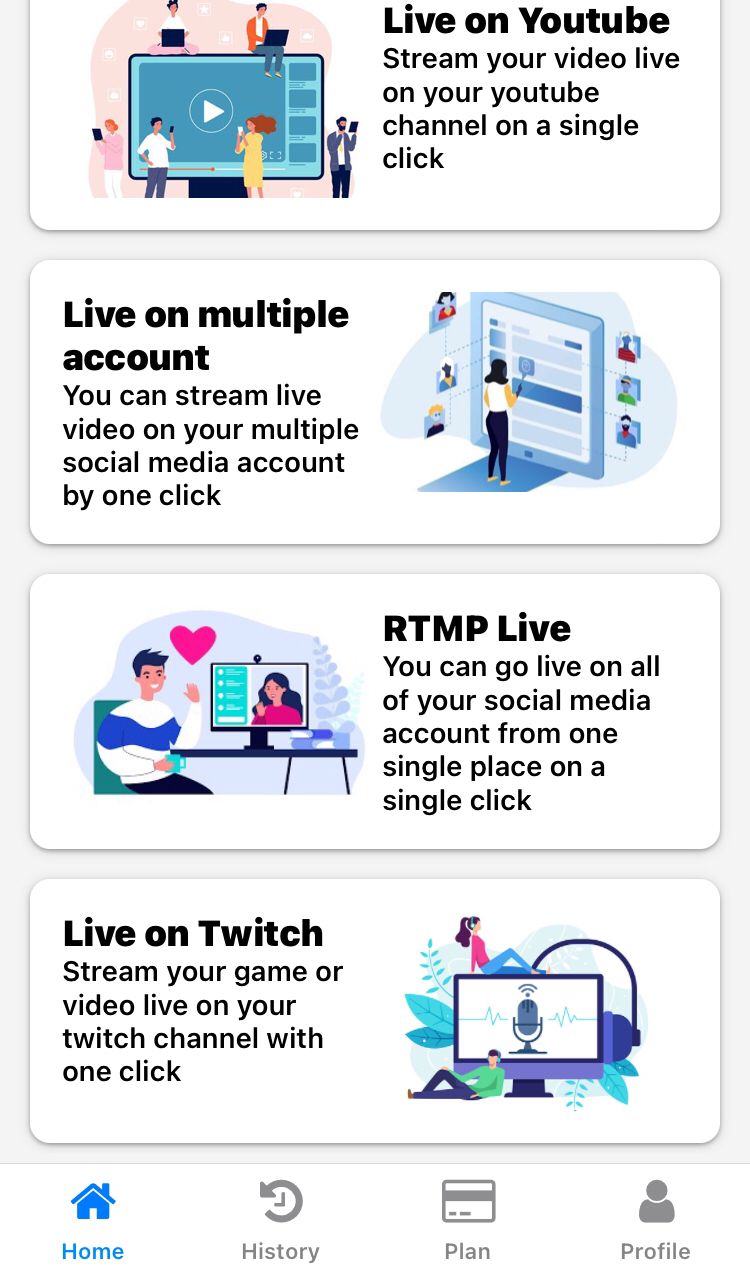
Choose Custom RTMP as the destination
Paste the RTMP URL and Stream Key from your Rumble stream
Choose your streaming mode:
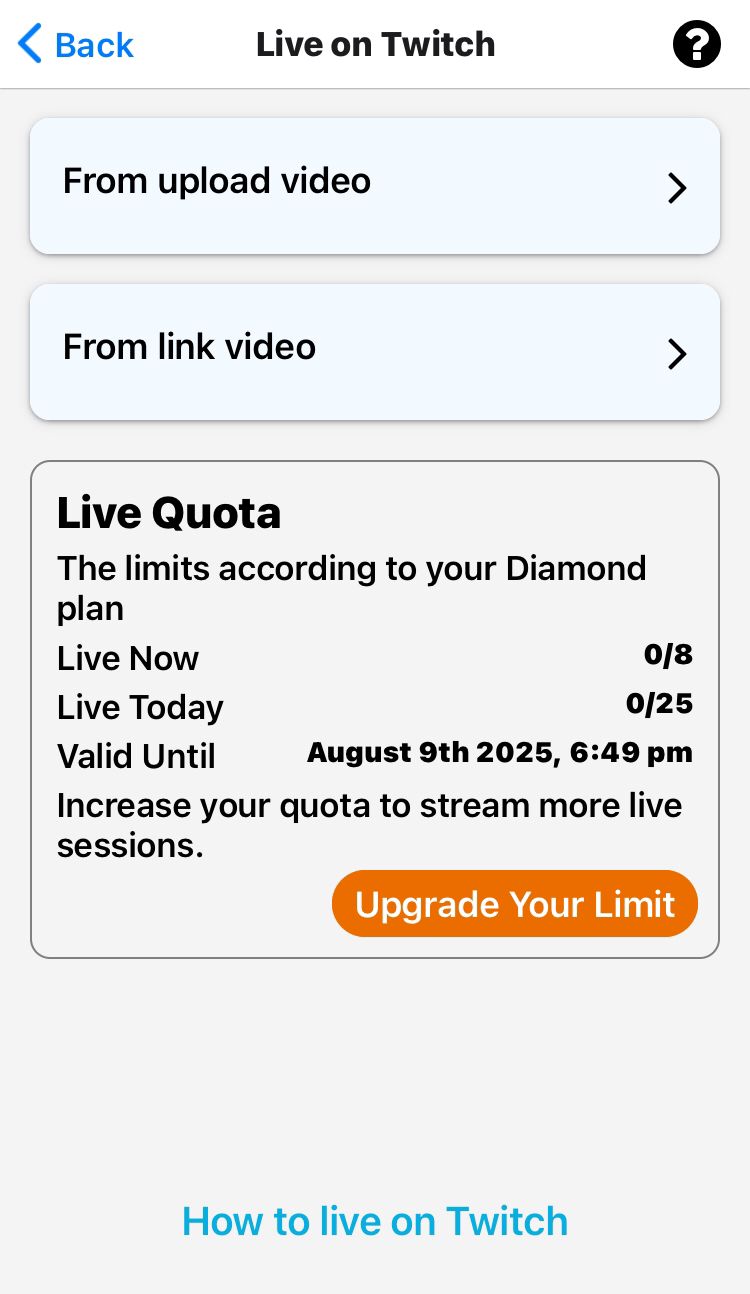
Upload a pre-recorded video
Paste a video link
Go live from your camera in real-time
Add your stream title, tags, and description
Select your video resolution (480p, 720p, 1080p)
Tap Go Live — your stream will now begin broadcasting to your Rumble channel.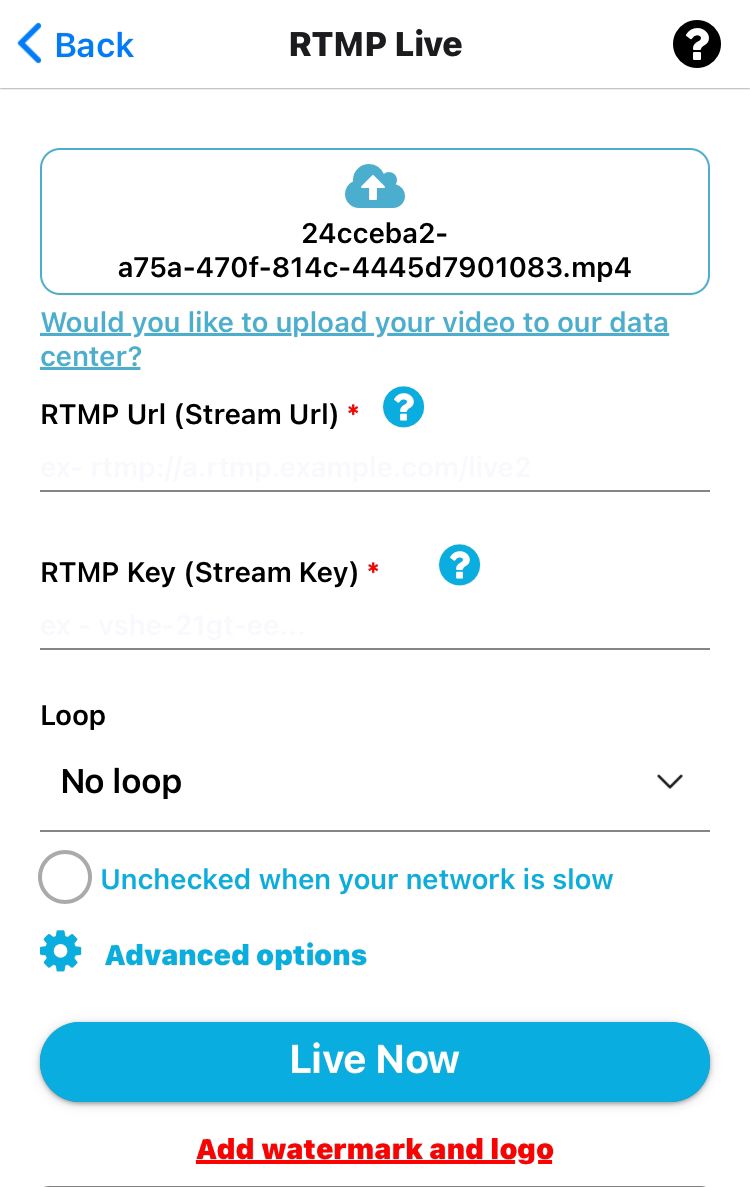
How to Go Live on Telegram with GoLiveIndia
Step 5: End and Review Your Stream
When you're finished streaming:
Tap End Stream in the GoLiveIndia app
Your video will be saved on Rumble based on your settings (public, private, or scheduled)
You can now share, embed, or monetize your live stream recording on Rumble.
Frequently Asked Questions (FAQ)
1. Do I need a stream key for Rumble?
Yes. Rumble requires a unique RTMP URL and Stream Key for every live session. These are provided when you create a stream on the Rumble dashboard.
2. Can I go live on Rumble from my phone?
Yes. Using the GoLiveIndia app, you can go live to Rumble directly from your Android or iOS device without any desktop setup.
3. Can I stream a pre-recorded video to Rumble?
Absolutely. GoLiveIndia allows you to upload a video or use a video link to stream it as a live session on Rumble.
4. Is GoLiveIndia free to use for Rumble?
Yes. You can use the basic features of GoLiveIndia for free. Advanced features like higher resolution, looping, and multistreaming are part of the premium plans.
5. Can I stream on Rumble and YouTube at the same time?
Yes. GoLiveIndia supports multistreaming so you can broadcast on Rumble, YouTube, Facebook, and more—simultaneously.
Rumble is quickly becoming a go-to destination for creators who want freedom, reach, and monetization. With GoLiveIndia, you don’t need expensive equipment or technical skills to stream. Just log in, set up your RTMP, and go live in seconds—right from your phone.
Whether you're live streaming your opinion, tutorials, podcasts, or events—GoLiveIndia makes broadcasting to Rumblesmooth, fast, and accessible.
Start streaming on Rumble today with GoLiveIndia—your content, your way.