Friday, October 23, 2026

How to Log In with Facebook on GoLiveIndia
How to Log In with Facebook on GoLiveIndia
Logging into the GoLiveIndia app using your Facebook account is fast and convenient. Whether you are a new user or returning to stream live videos, this step-by-step guide will help you link your Facebook account to GoLiveIndia in just a few taps.
Step 1: Download the GoLiveIndia App
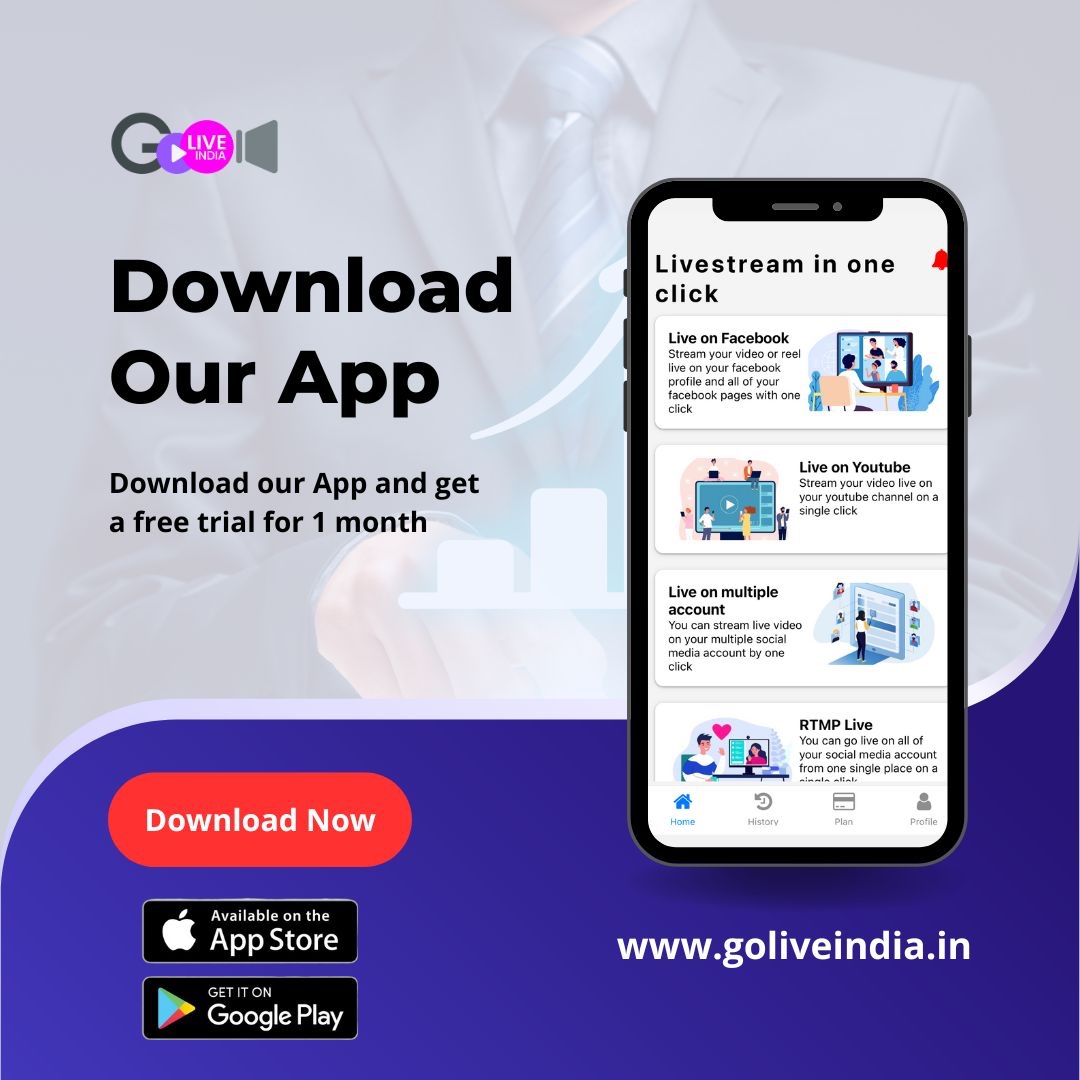
To get started, download the official GoLiveIndia live streaming app from any of the following sources:
Website: www.goliveindia.in
Android: Download from Google Play Store
Once the app is installed on your device, open it to begin the login process.
Step 2: Tap on “Sign In”
When you launch the GoLiveIndia app, you’ll be greeted with two options:
Sign Up – for users who are new to GoLiveIndia and want to create an account
Sign In – for users who already have a GoLiveIndia account
Tap on Sign In to proceed with logging into your account.
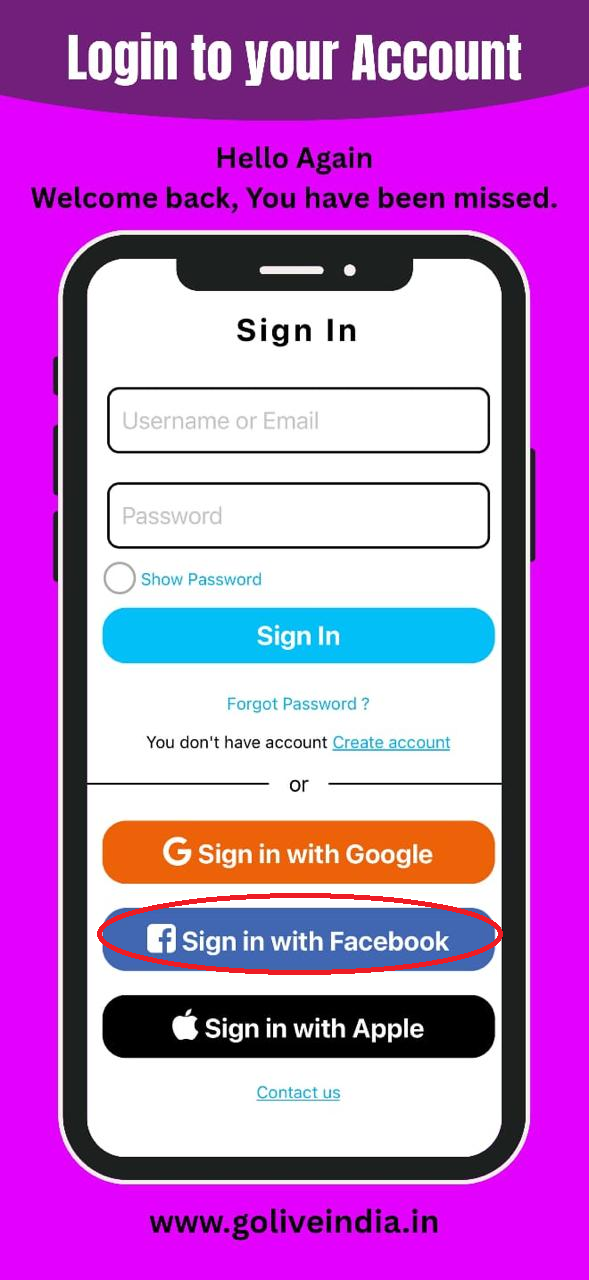
Step 3: Select “Sign In with Facebook”
On the login screen, tap the Sign In with Facebook option. This will redirect you to the official Facebook login page. Depending on your device settings, this page may open within the app or in your mobile browser.
Step 4: Enter Your Facebook Login Credentials
You will be prompted to enter your Facebook login information:
Your email address or mobile number linked to your Facebook account
Your Facebook password
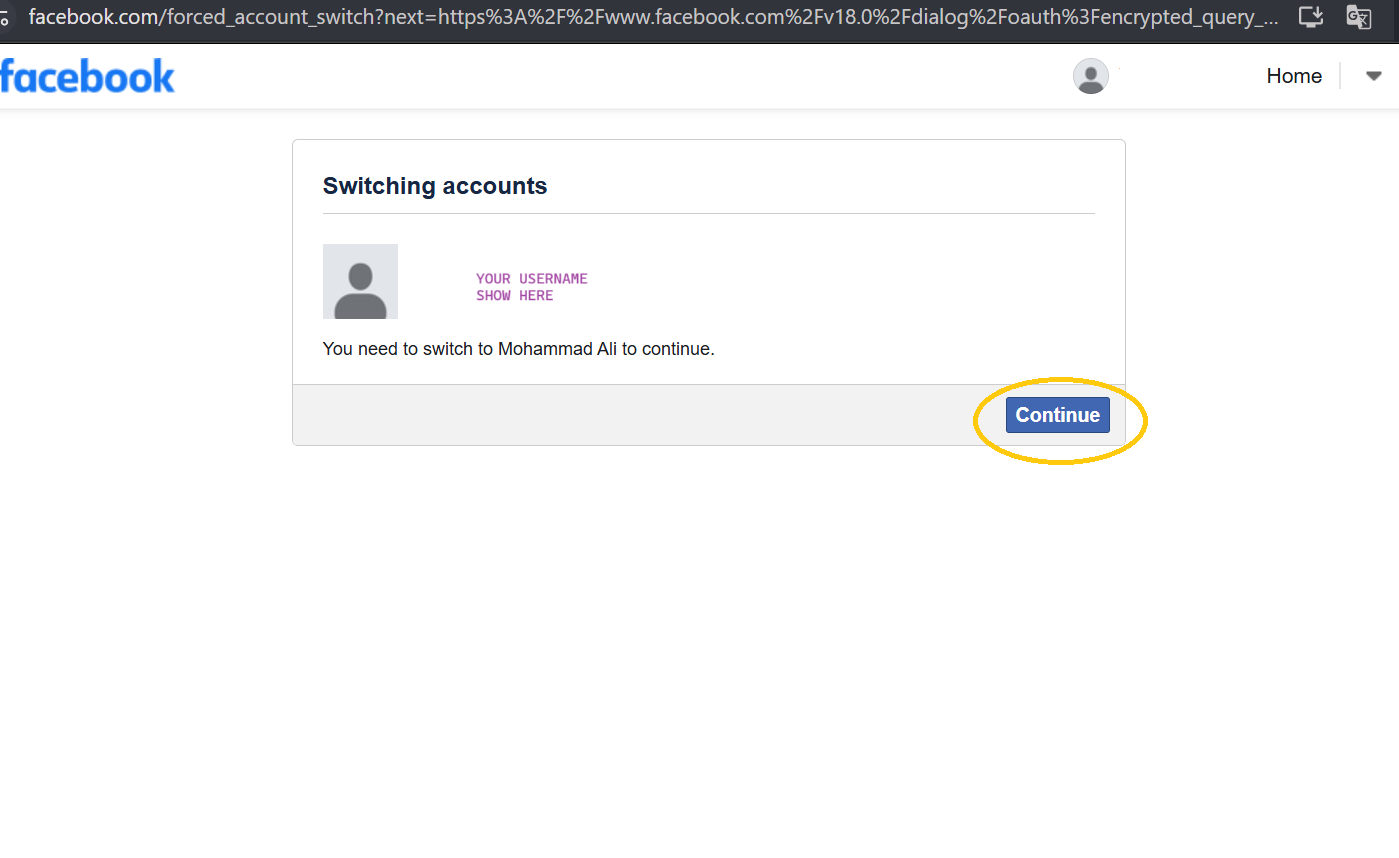
After entering your credentials, tap the Log In button.
Note: If you're already signed into Facebook on your phone, you may not be asked to enter your login details again. Instead, you’ll simply be asked to confirm access permissions.
Step 5: Grant Permissions
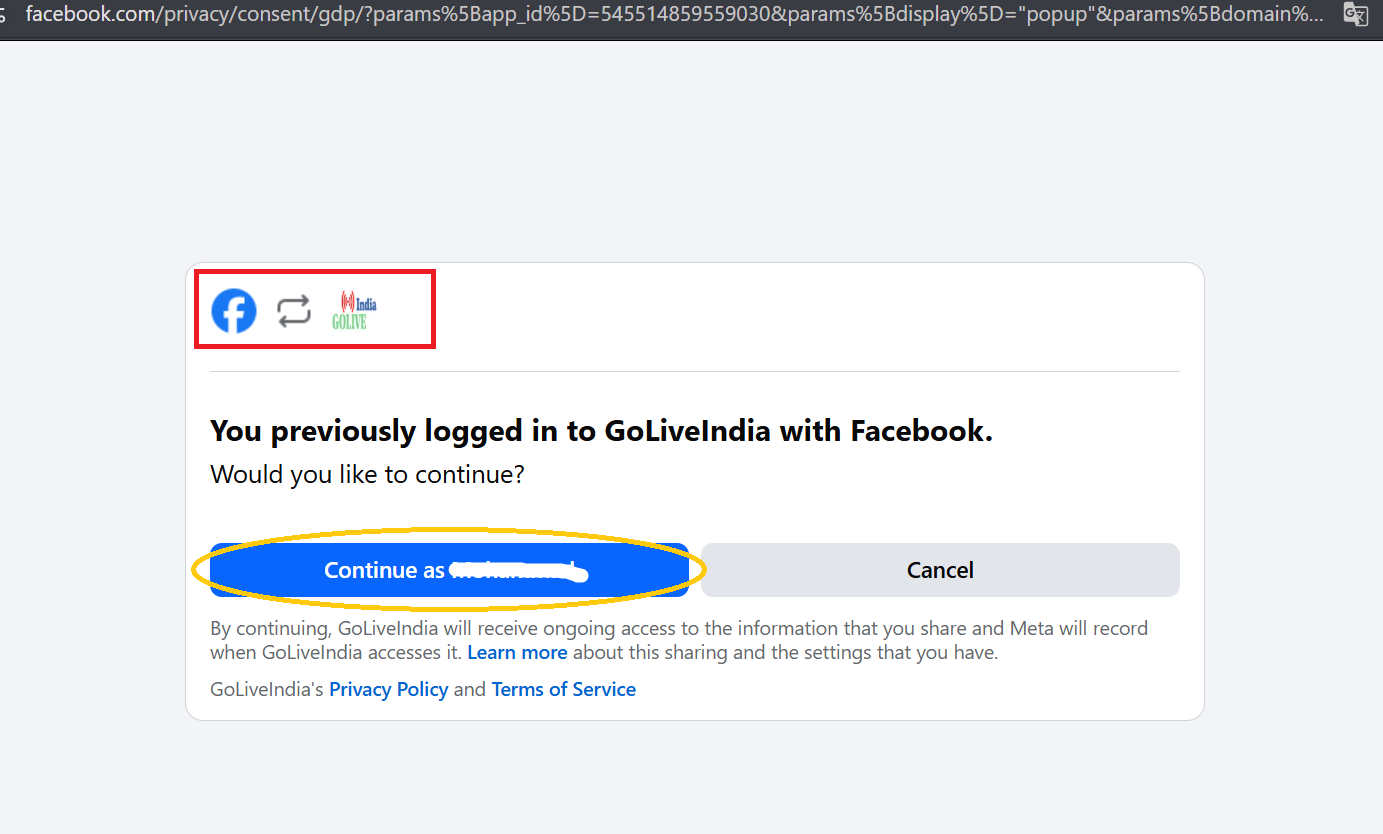
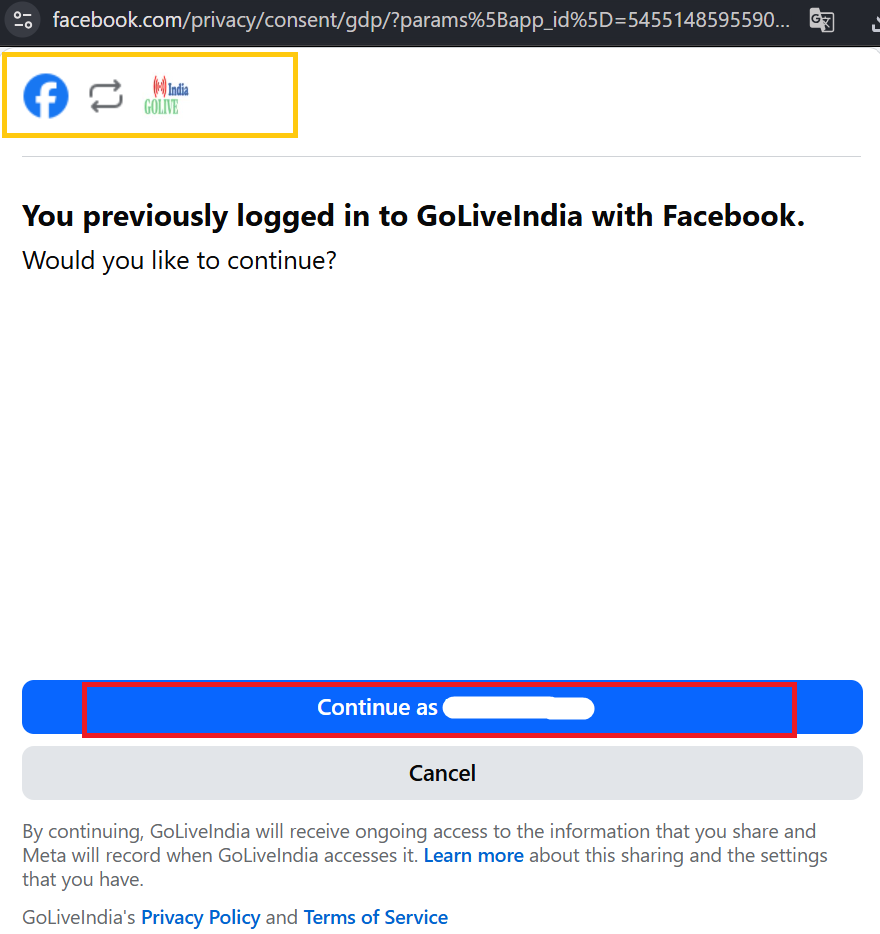
GoLiveIndia needs permission to access your Facebook profile so it can link your account for live streaming. You’ll see a prompt asking you to allow access.
Tap on Continue to grant the required permissions. This is a necessary step to enable live streaming to your Facebook timeline, page, or group directly from the GoLiveIndia app.
Step 6: You’re Successfully Logged In
After granting permissions, your GoLiveIndia account will be linked to Facebook automatically. You’ll be redirected back to the app, logged in, and ready to start live streaming on Facebook.
You can now go live on Facebook using the GoLiveIndia app without any manual setup or streaming key configuration.
Need Help Logging In?
If you face any issues while logging in with Facebook, you can reach out to our support team directly through the GoLiveIndia app. You can also:
Chat with us on WhatsApp via the app
Email our support team at support@goliveindia.in
Visit our website for more information: www.goliveindia.in
Our team is available 24/7 to assist you with login issues, account linking, or live streaming setup.
Frequently Asked Questions (FAQs)
Q1: Can I use more than one Facebook account on GoLiveIndia?
No. Each GoLiveIndia account can be linked to only one Facebook account at a time. To switch, log out and sign in using a different Facebook account.
Q2: What should I do if Facebook login is not working?
Ensure that your Facebook app is working correctly, and your internet connection is stable. You can also try clearing your browser cache or reinstalling the GoLiveIndia app.
Q3: Is logging in with Facebook secure?
Yes, GoLiveIndia uses Facebook’s secure authentication system. We never store your Facebook password or post without your permission.
Q4: Can I connect Facebook later if I signed up with email or Google?
Yes. If you originally signed up using email or Google, you can link your Facebook account anytime from the GoLiveIndia app settings.
Q5: I denied permissions by mistake. How can I fix this?
Go to your Facebook settings > Apps and Websites > GoLiveIndia, and enable the necessary permissions. Then return to the GoLiveIndia app and try logging in again.
This guide is designed to help you make the most of GoLiveIndia's Facebook live streaming features. Whether you're streaming to a Facebook Page, Group, or personal profile, GoLiveIndia makes it seamless and user-friendly.
Watch the Video Tutorial
If you prefer visual instructions, you can also watch this quick video tutorial on how to log in with Facebook on GoLiveIndia: